


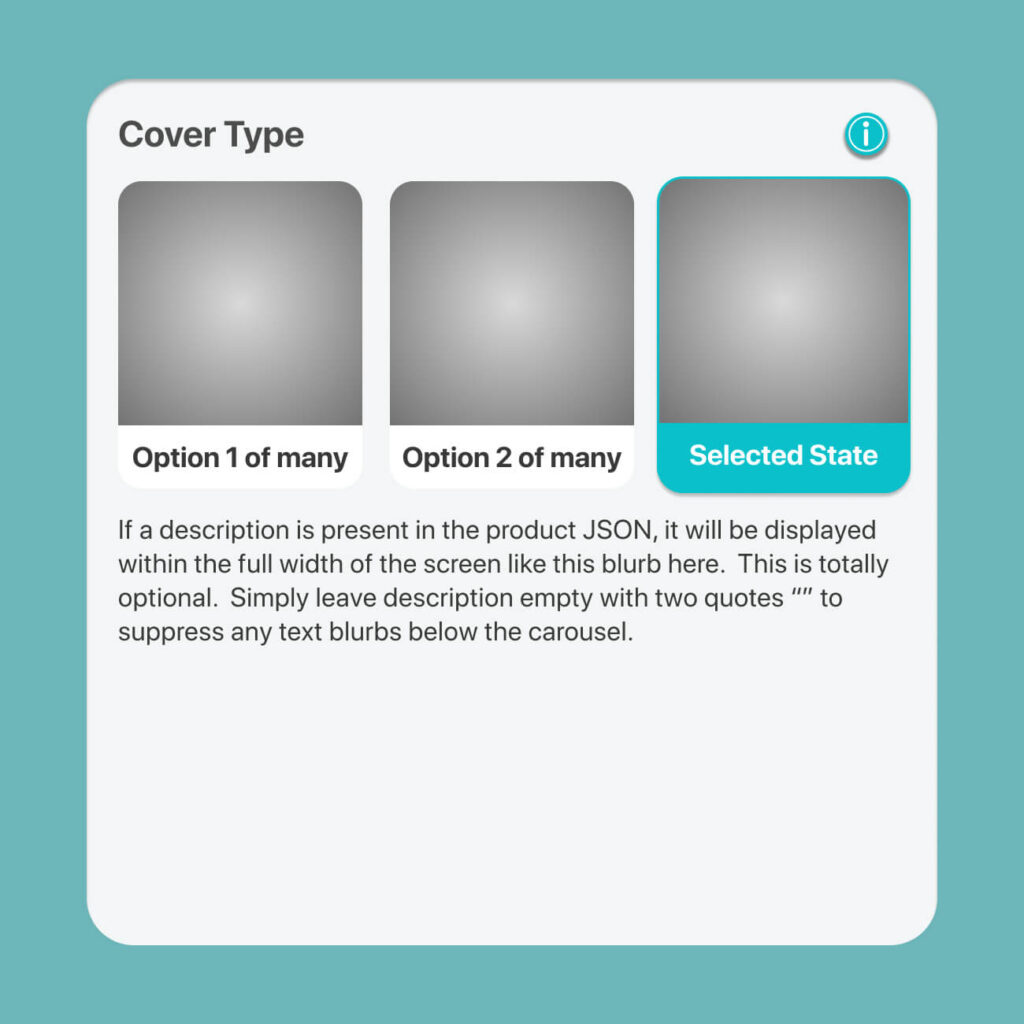
This feature is rolled for to white-label customers in early 2026. This enables you to zip through production selection in a single screen if you have many attribute options that are easily understood, such that you can simply use a short text label to describe them. Naturally, some product options may require a larger image, so this system caters for that with 3 displayStyles which support images.
Naturally, when you enabled this mode, it means all the products within that ENTIRE category will use this UX, instead of the more traditional wizard driven multi-screen step through flow.
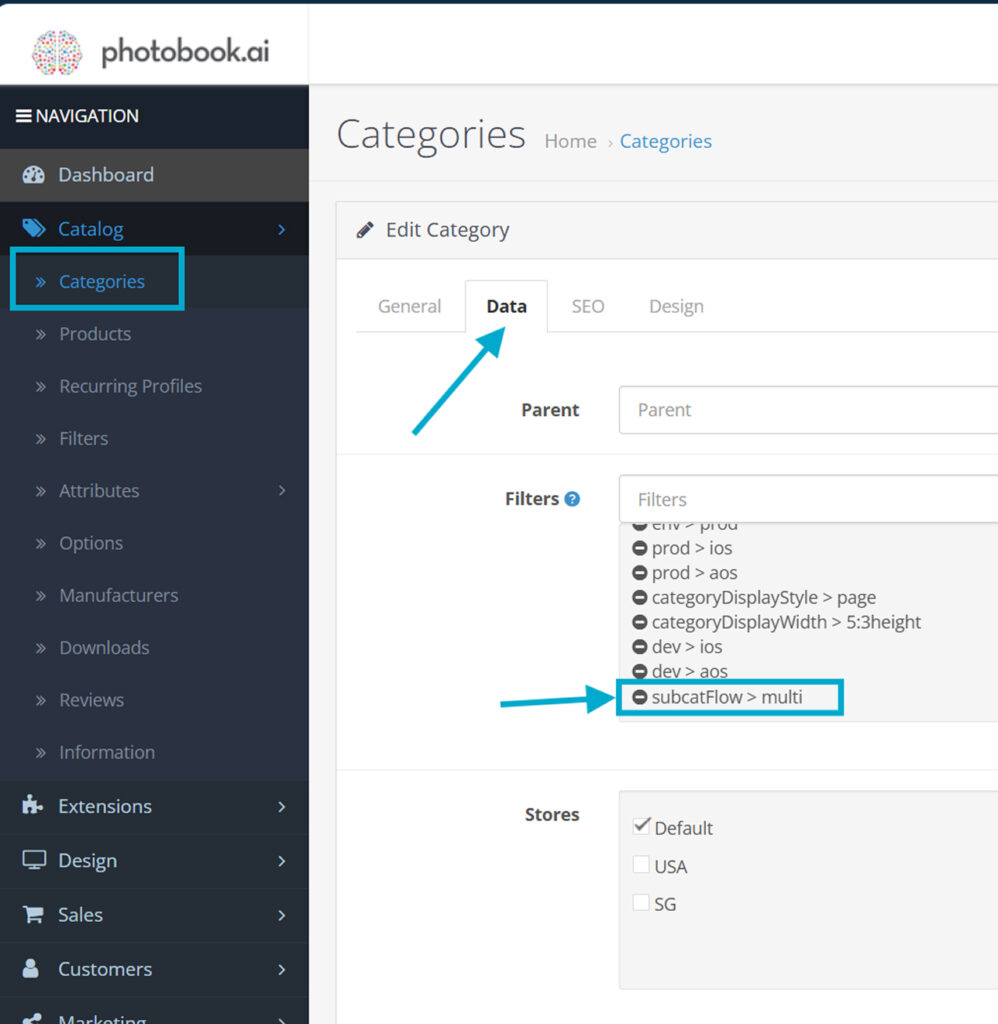
To make a category display multiple subCategory attributes in a single screen, first add the filter to the Category.
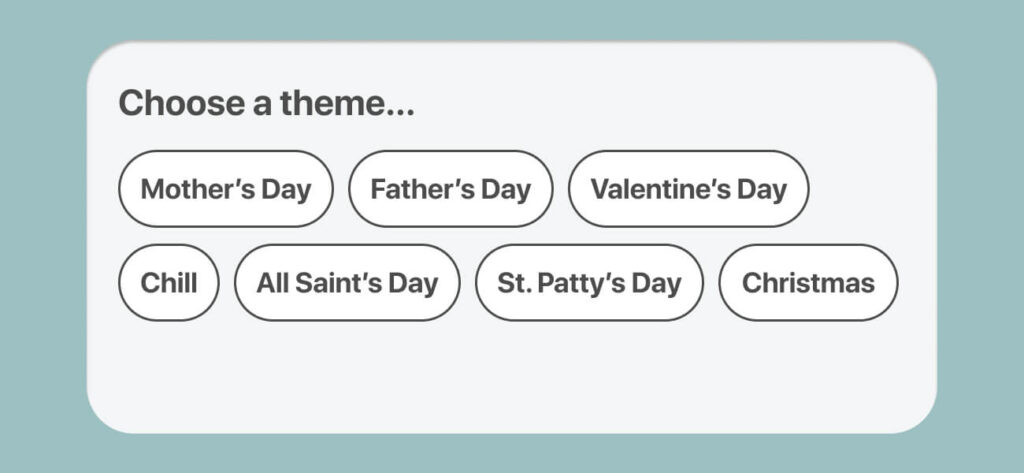
In other tutorials on how to write display styles JSON, you are already familiar with something like this below. There are 6 displayStyles which are part of the family to define display styles within the subCatFlow>multi mode. All of them are prefixed with multi.
{
"type":"Choose a theme...",
"name":"Mother's Day",
"thumbnail":"",
"description":"",
"order":100,
"tag":"",
"displayStyle":"multiRowOfPillsWrapped"
} multiRowOfPillsWrapped
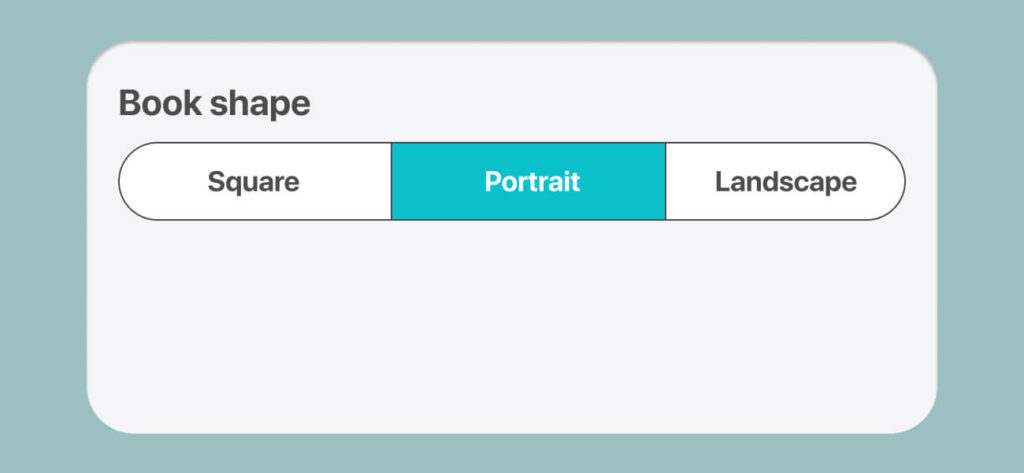
multiRowOfPills
multiRowOfTabs
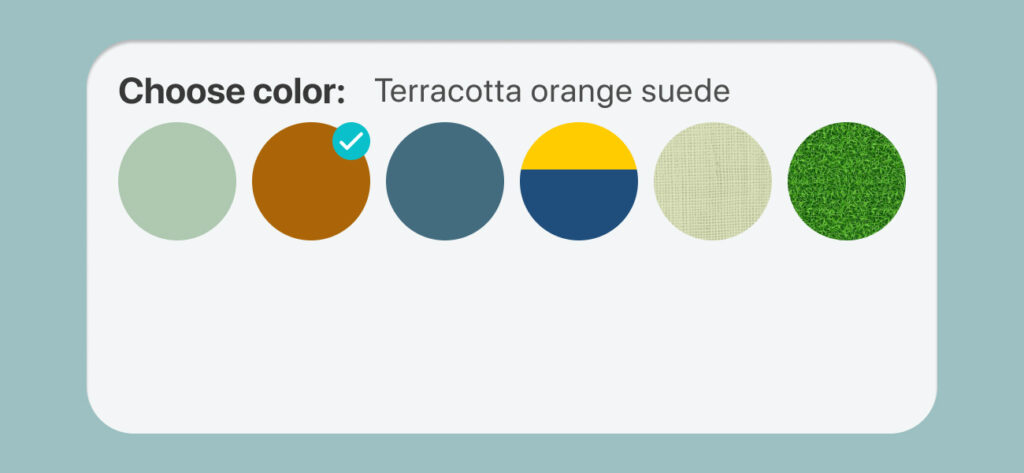
multiSwatch
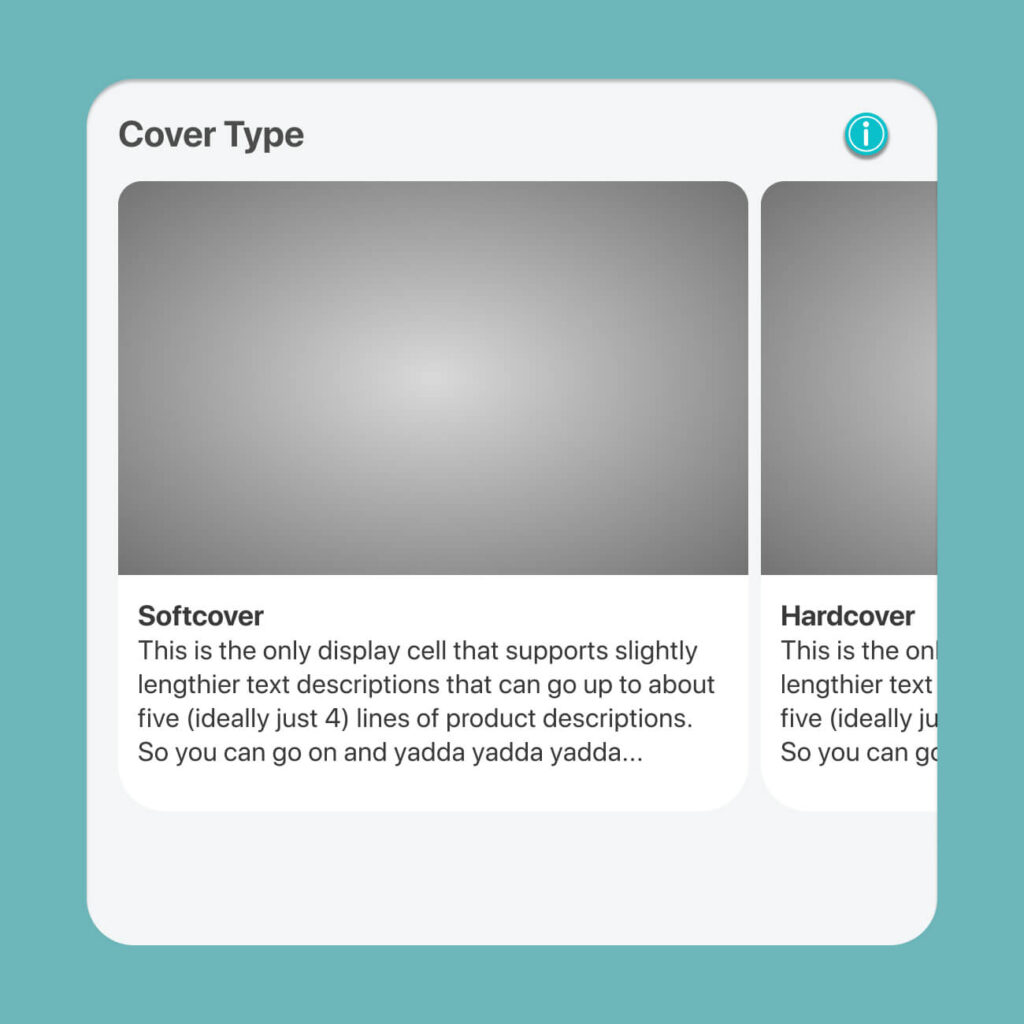
multiCarouselLarge
multiCarouselSmall
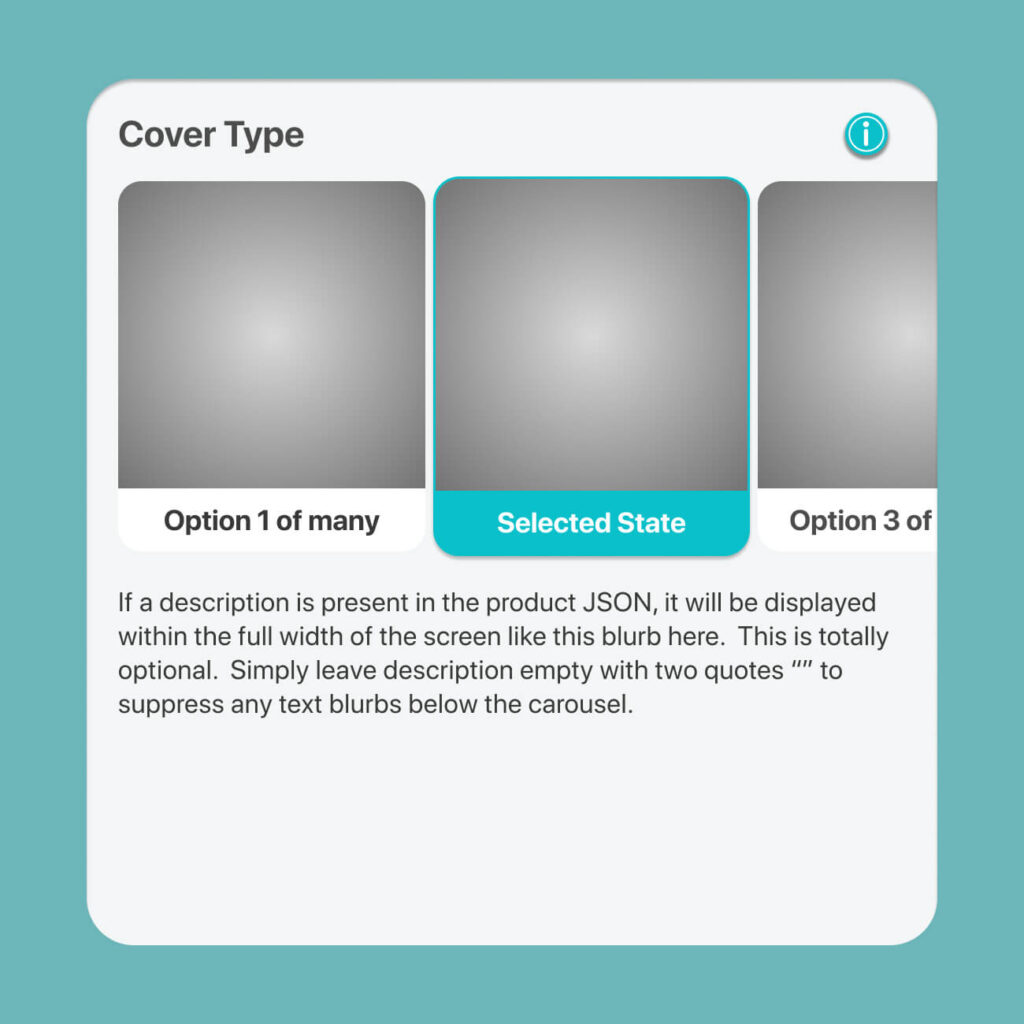
multiRowOfThumbnails
Simplest name only pill. Display automatically wraps each pill no matter how long the text labels are. Most versatile. descriptions will be ignored.
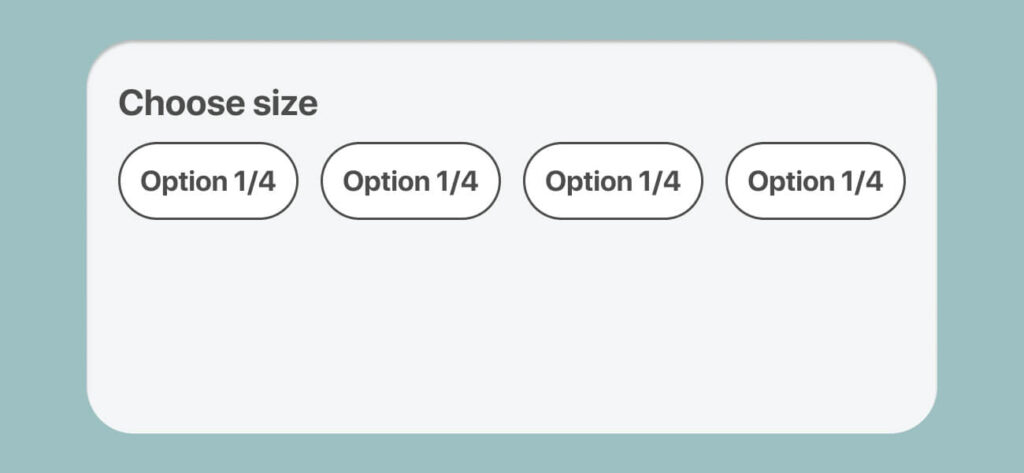
This is a constrained version of PillsWrapped. Fits all into a single row and concatenates the labels if it runs over.
Tabbed design useful as the first root property. Only use this if there are no more than 3 with short labels.
Discs designed to choose colors and textures like linen, leather, gold-foil. Uses a 1:1 image masked into a circle. the name is the label. No descriptions.
For features where a larger image and short description needed
Image=8:5 and collapses into a 1:1 square thumbnail upon selection
Smaller 1:1 image and “name” is displayed only. Ideally this is used sans a “description” but if it is present, the selected item’s description will be displayed below across the screen.
This should be used only if there are no more than 4 (ideally 3) options as it will NOT scroll but rather squeeze all options into a single row. Image may be 1:1 or even upto 2:5. descriptions of the selected items if present will display across the screen.
photobook.ai uses AI to automatically create photobooks and other printable products. We provide white-labelled native mobile and progressive web apps to ecommerce and print suppliers. Through our network, we fulfill print products globally for clients who want to produce closest to their customers to reduce their carbon footprint and yet be competitive in their offering.